Civic platformsCase study
Transforming USA.gov.
Redesigning the federal government’s front door so it works for everyone who walks through it.
Back to all work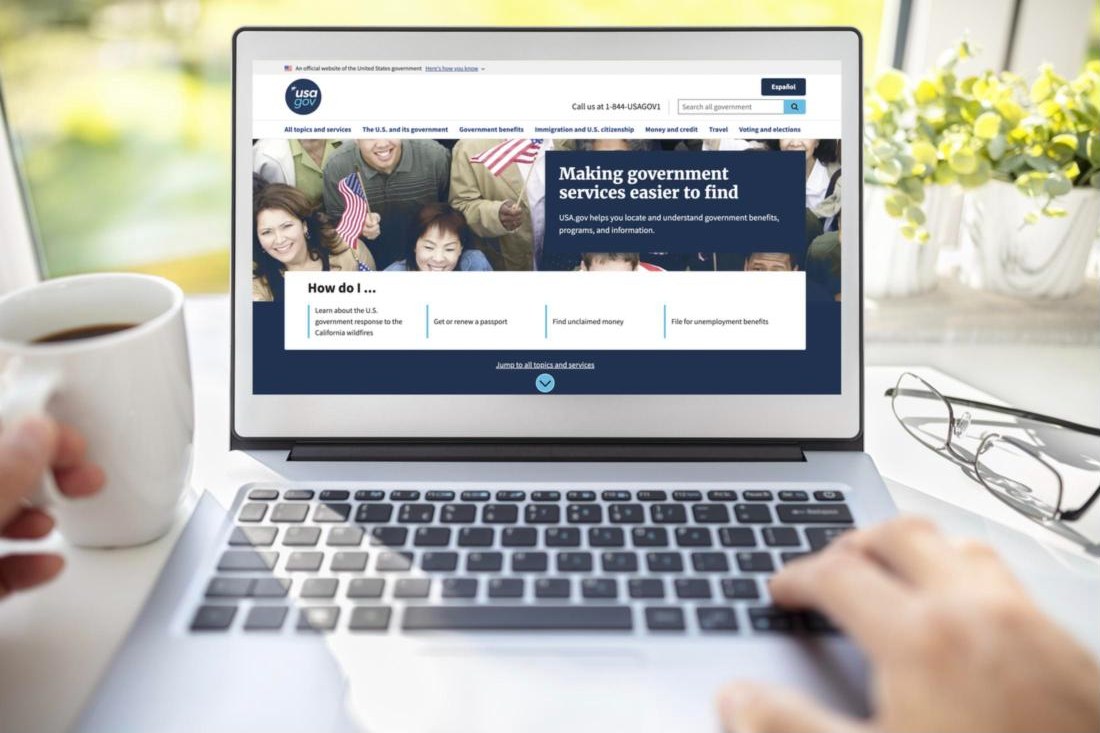
- Role
- Lead UX Designer: interaction, testing, accessibility, visual strategy
- Where
- GSA, Technology Transformation Services
- Scale
- 105 million+ people a year, in English and Spanish
- Results
- 91.6% accessibility score in launch week; Service to the Citizen Award
The problem
The front door had stopped working for a lot of people.
USA.gov is where people go when they need the government and don’t know where to start. It hadn’t had a full redesign in years. It fell short of modern accessibility standards, the navigation was hard to follow, the visuals didn’t inspire trust, and it wasn’t built for the phones most people were using.
How I approached it
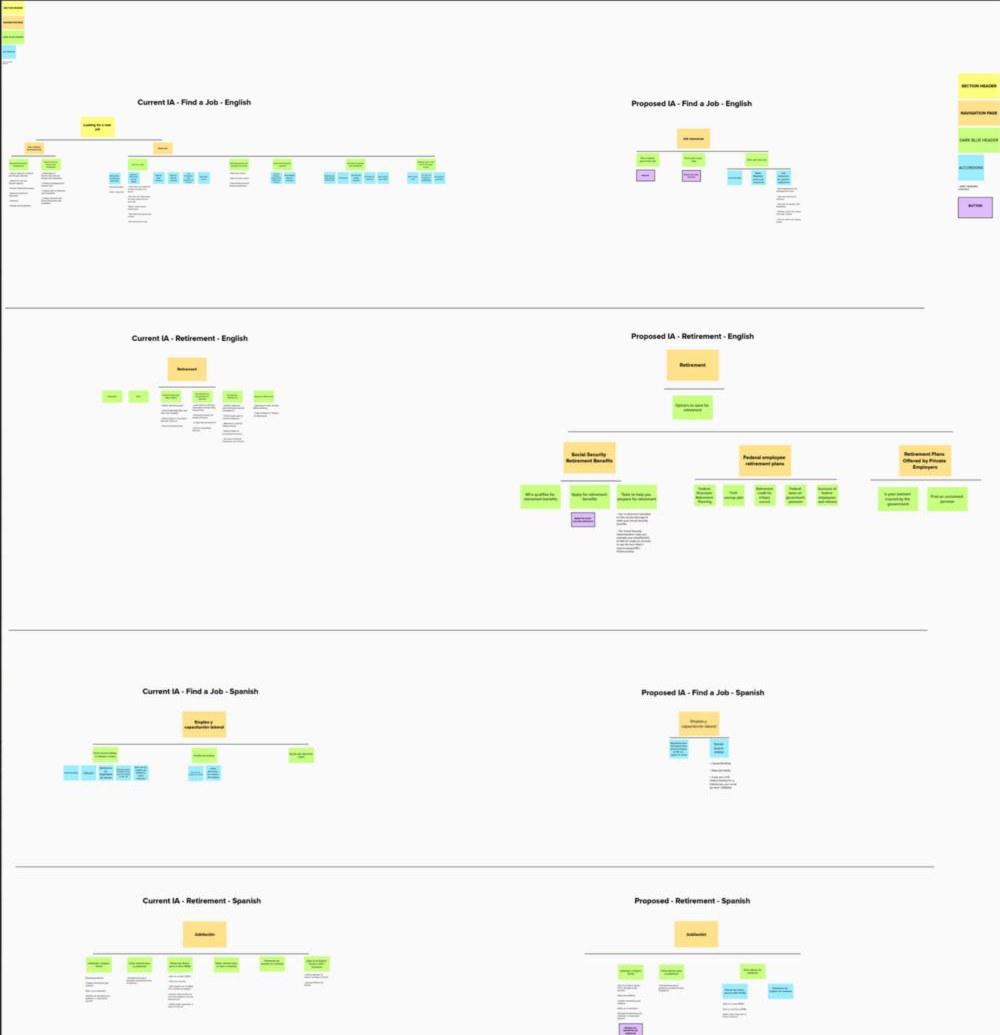
- 01Read the signalsHeatmaps, scroll depth, and click patterns showed where people got stuck, and an A/B test settled the biggest open question on the homepage.
- 02Test with real AT usersI started moderated sessions with screen reader, keyboard-only, magnifier, and switch control users. They found what automated tools missed: unclear links, broken heading order, lost focus.
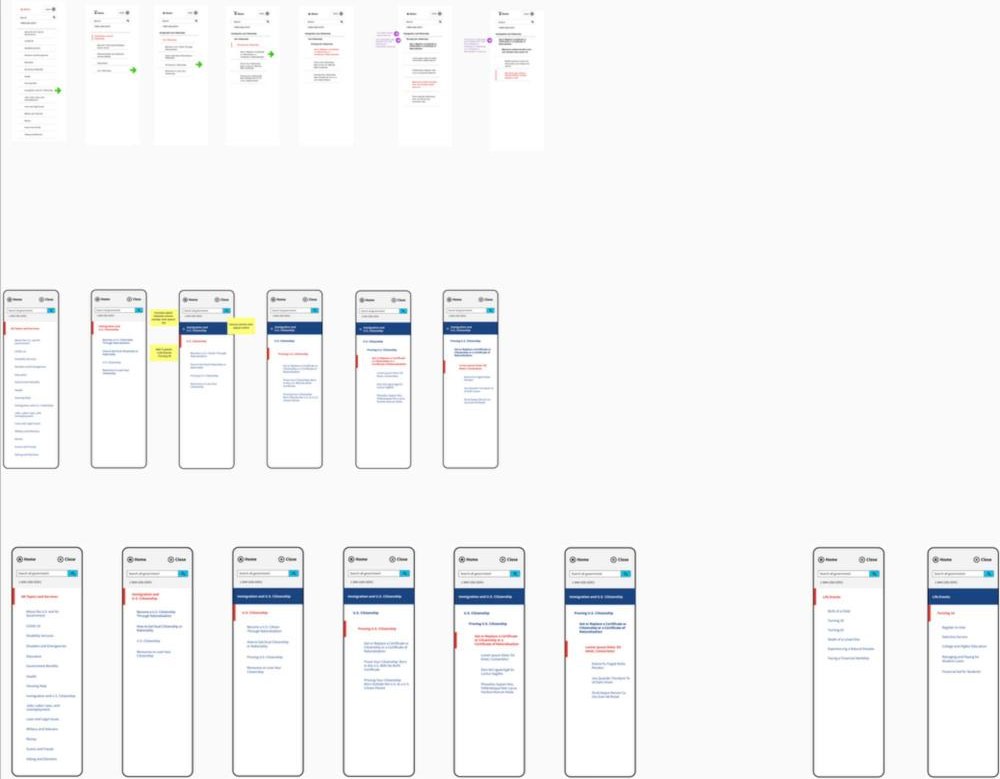
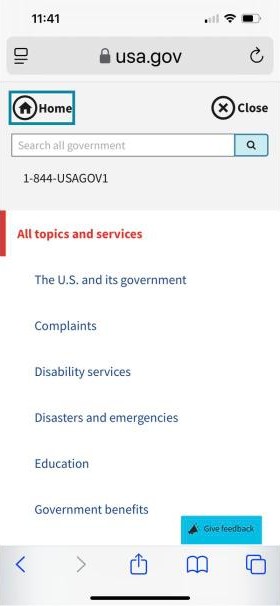
- 03Build on shared groundDesigned on the U.S. Web Design System with custom components, including a scalable, keyboard-friendly left navigation, using real content from day one.
- 04Design for both languagesSpanish speakers are core users, not an add-on. Templates flexed for longer translated text, and I worked side by side with the Spanish content team.
What it took
Working across the whole team, and a lot of listening.
- Engineers
- Content strategists
- Writers
- Outreach
- Accessibility team
- WebOps
- WCAG 2.1 AA
- USWDS
- Figma
- Mural
Let the data decide
The carousel had to go
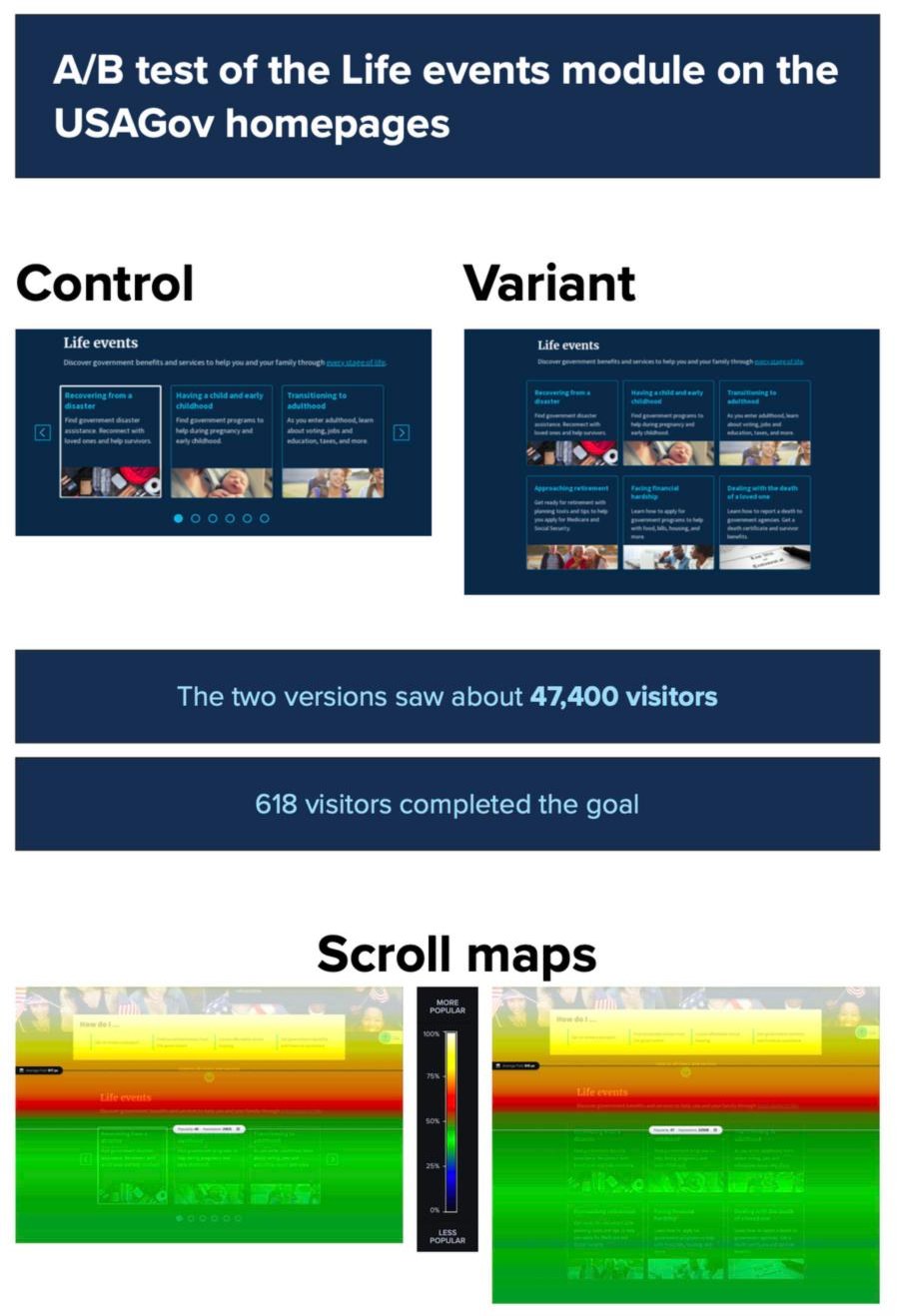
The homepage’s Life events module lived in an accessible carousel. In assistive technology sessions, people skipped carousels even when they technically worked, so I tested it against plain cards. About 47,400 visitors saw the two versions, and 618 completed the goal.
Removing the carousel improved conversions by 74%. The scroll maps showed why: with cards, attention kept going down the page instead of stopping at the carousel.
Mobile
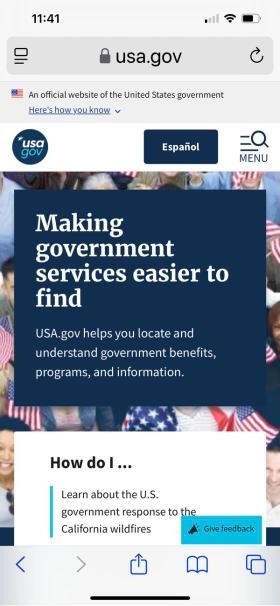
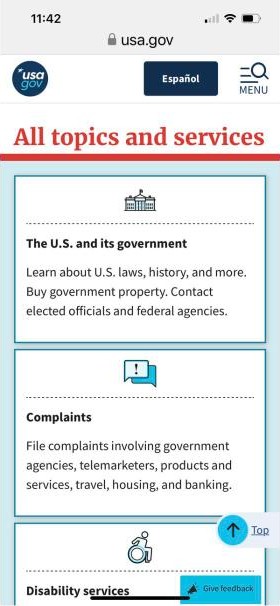
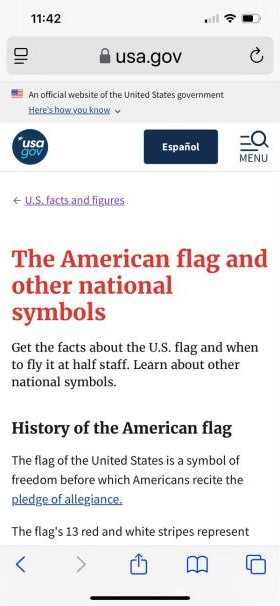
Built for the phone in your hand
Most people meet USA.gov on a phone, often in a stressful moment. The mobile design keeps the most common tasks one tap away and the reading experience calm.
The family of sites
Vote.gov, Search.gov, and more
USA.gov sits inside a family of federal services, and the same approach carried across them.
- Vote.govMobile design, plus a toolkit shared with every federal agency to encourage voter registration.
- Search.govProduct and UX strategy for the search engine behind federal websites, projected to save about $600K a year.
- Insights & HighlightsA reusable infographic system that became USAGov’s official quarterly report.
Inclusive design is a public good.
What changed
Removing the carousel lifted engagement 74% in the A/B test. The accessibility score hit 91.6% in the first week after launch, and the work earned the Service to the Citizen Award.
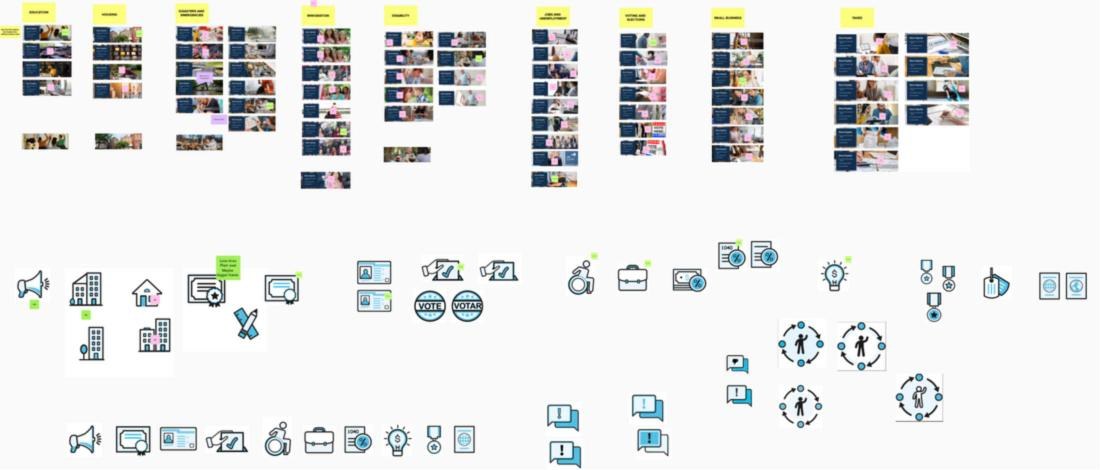
The hierarchy got clearer, mobile and desktop both performed better, and the bilingual experience was designed and tested in both languages, not translated after the fact. I also made the banner imagery and a custom icon set meant to feel calm and trustworthy, all tested for accessibility.
A research participant: it was the first time they didn’t feel lost on a government site.