AccessibilityCase study
Assistive technology research.
Finding the barriers screen reader and keyboard users hit on USA.gov, and building the process to fix them.
Back to all work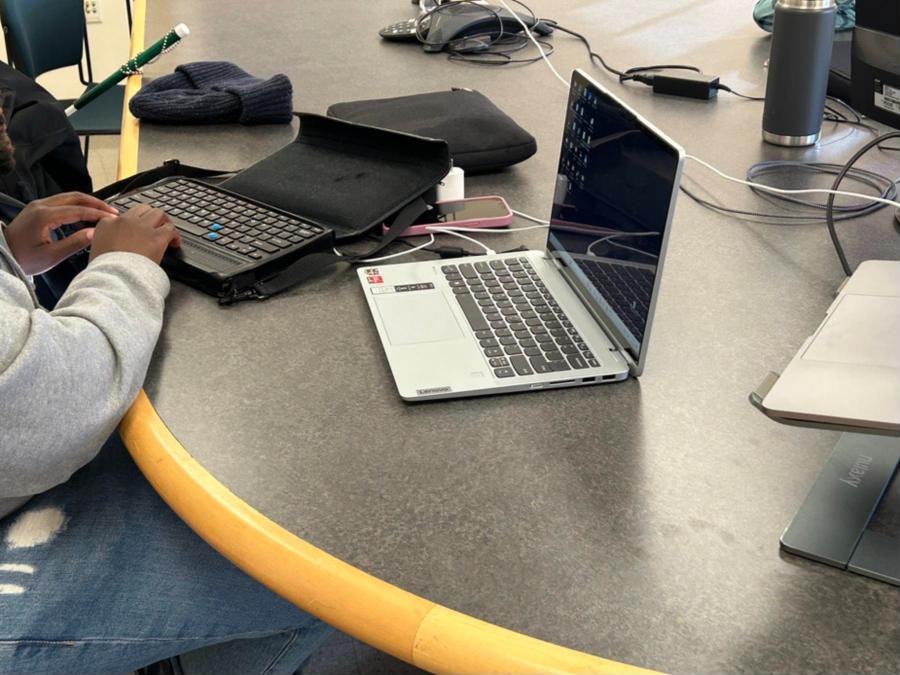
- Role
- Research lead; I started it from the ground up
- Where
- USAGov, GSA
- Participants
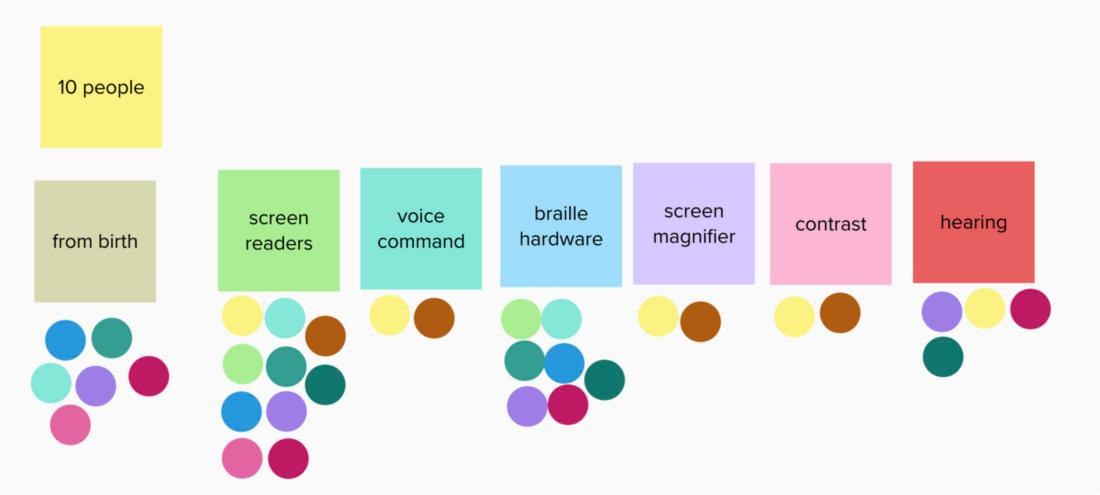
- 10 people using screen readers, voice command, braille displays, magnification, contrast settings, and hearing supports
- Timeline
- 2024 to 2025
The problem
Technically accessible isn’t the same as usable.
USA.gov reaches an enormous audience, but people using assistive technology were running into complex navigation, inaccessible forms, and unclear workflows. Automated checks weren’t catching it. The only way to find out was to ask, and watch.
How it worked
- 01PlanA generative testing plan: open conversation about government websites first, then tasks on navigation menus, forms, and search.
- 02Listen togetherIn-person and remote sessions, with teammates from design, engineering, and accessibility sitting in as observers and note-takers.
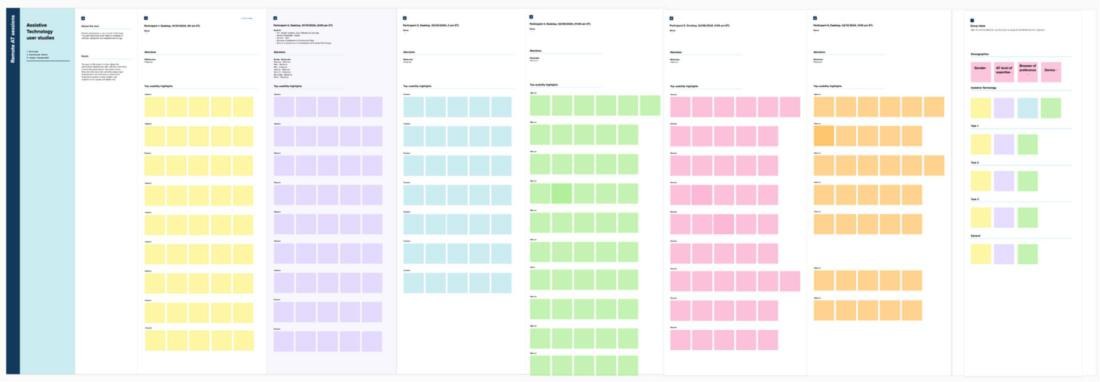
- 03SynthesizeA shared Mural template for notes, theme mapping, and a running barrier tracker, synthesized as a team after every session.
- 04Fix and repeatPatterns from the sessions turned into design changes, and the changes went back to participants.
What we heard
Five findings that changed how the team builds.
- Heading order is navigation
- Specific beats vague
- Pop-ups lost focus
- Sticky nav hurts magnification
- Moving content is a barrier
- Dropdowns need better support
Who we tested with
People traditional testing leaves out
Ten people took part, many of them assistive technology users from birth, across a wide range of tools. Every session was mapped on a shared board, so the whole team could see the same barriers come up again and again.
What we changed
Small fixes, big difference
Most of the changes were small. Together they changed how it feels to use the site without a mouse or without sight.
- The logo linkClear labeling, one press to the homepage, and skip navigation.
- The left navigationNo more redundant announcements, and clearer names.
- Dropdown menusLabeled clearly, the confusing clear control removed, and state abbreviations aligned with Vote.gov.
- Navigation overallRebuilt for screen readers, with simpler workflows and full keyboard access.
A user’s action can be a landmark.
What it left behind
The biggest outcome is a structure for ongoing accessibility testing, so the work doesn’t end when a project does. User feedback now sets accessibility priorities, and the site reached a 91.6% accessibility rating after launch.
Still on the list: replacing confusing toggle language in dropdowns, and clearing up the search results page through a coming Search.gov update.
Accessible names should match the text on screen. When they don’t, screen reader users and sighted users can’t talk to each other about the same page.