IdentityCase study
Keyring.
Making decentralized identity feel safe and usable for people who will never see the cryptography.
Back to all work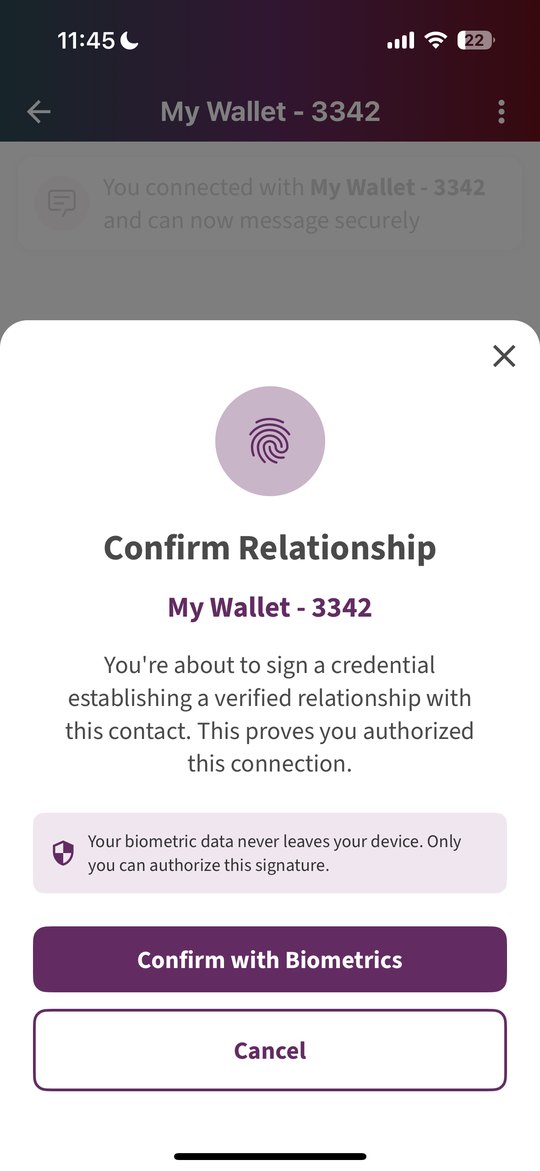
- Role
- Lead product designer: UI, interaction, and content design
- Where
- Applied Social Media Lab, Berkman Klein Center
- Team
- Engineers Brendan Miller and Alberto Leon
- Status
- Open source, with the Linux Foundation’s Decentralized Trust Graph Working Group
The problem
Your identity should live with you, not with a platform.
We are living through a collapse of online trust. People can’t tell what’s real, who’s human, or whether a platform is working for them. Every answer so far asks you to trust a company or a government to vouch for you. Keyring starts from a different idea: two people can meet face to face, verify each other on their own devices, and walk away with portable proof of that connection, with no company or government in the middle.
How I approached it
- 01Try to break it firstBefore designing anything, I stress-tested the system: where it could fail, and where its strengths were real. Looking for failure modes is how I found what was worth building on.
- 02Learn the groundStudied the Decentralized Trust Graph specs, the Linux kernel’s PGP-based maintainer model, and the First Person Project white paper, so the design would hold up with people who live in this field.
- 03Ask the foundational questionsWhat makes an identity yours, and not just data about you that lives somewhere else? And if people can create and own their identity, so can bots. We designed against fake personhood from the start.
- 04One self, many relationshipsPairwise DIDs make the architecture intentionally fragmented: a different identifier for every relationship. The interface presents one coherent self on top of it.
Design principles
Three ideas shaped every decision.
- Usability: if it’s hard to use, it doesn’t matter how secure it is
- Transparency: trust has to be demonstrated, not declared
- Empowerment: the user is the security model
Starting from a blank page
No patterns, no template
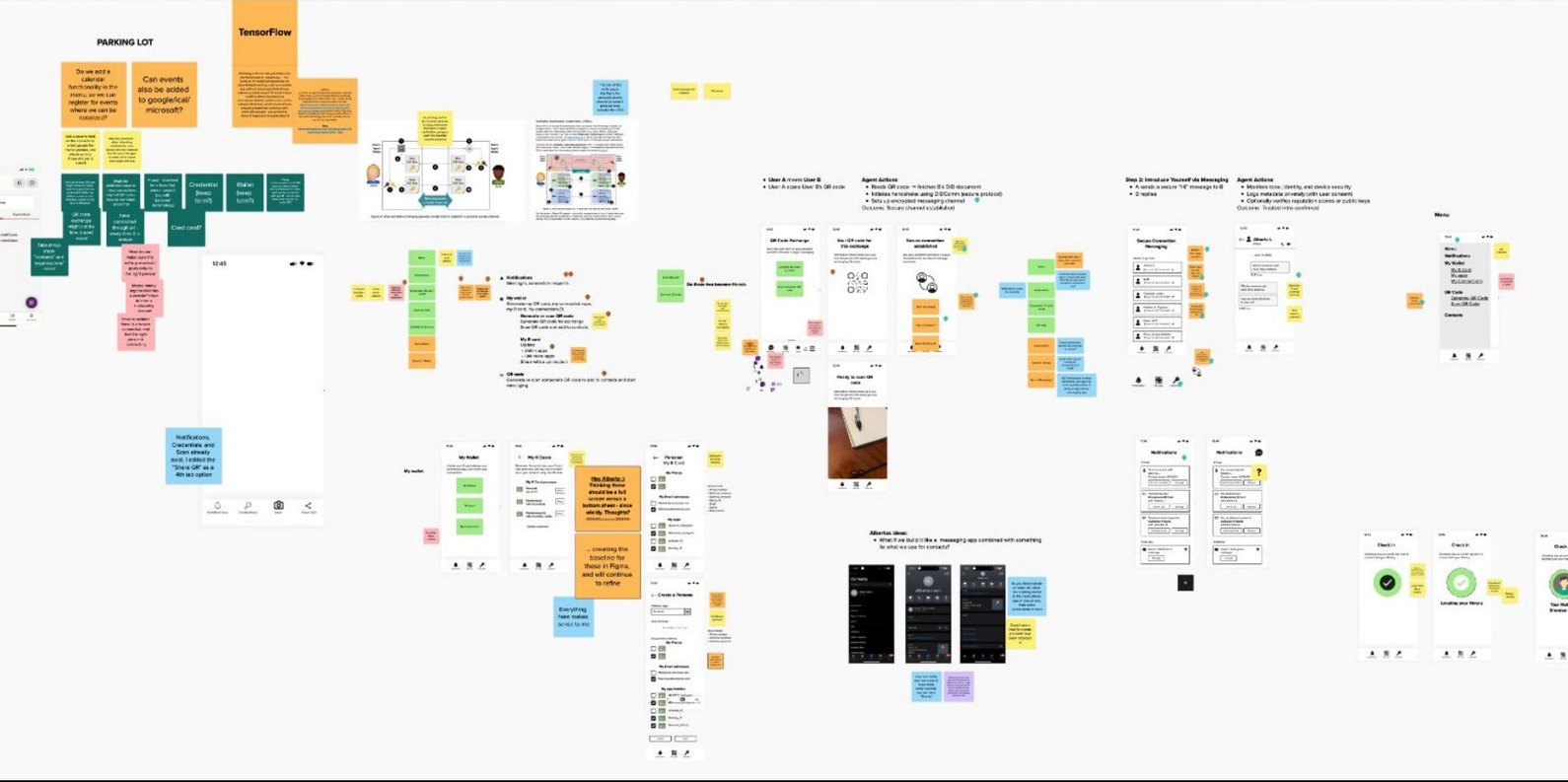
A genuinely new problem almost never happens. We mapped it from scratch: what users would need to understand, where trust could break, and how a connection should feel from the first scan to the receipt.
How trust is built
Three signals, each building on the last
Trust isn’t one thing. Keyring layers it, and none of it requires central storage.
- Your deviceYour face or fingerprint unlocks a private key that lives only on your phone. That key signs the credential, and anyone can verify the signature. Your biometric data never leaves your phone.
- The connectionOne person shares a QR code and the other scans it. Both phones issue each other a relationship credential at the same moment, and no central server ever sees it happen.
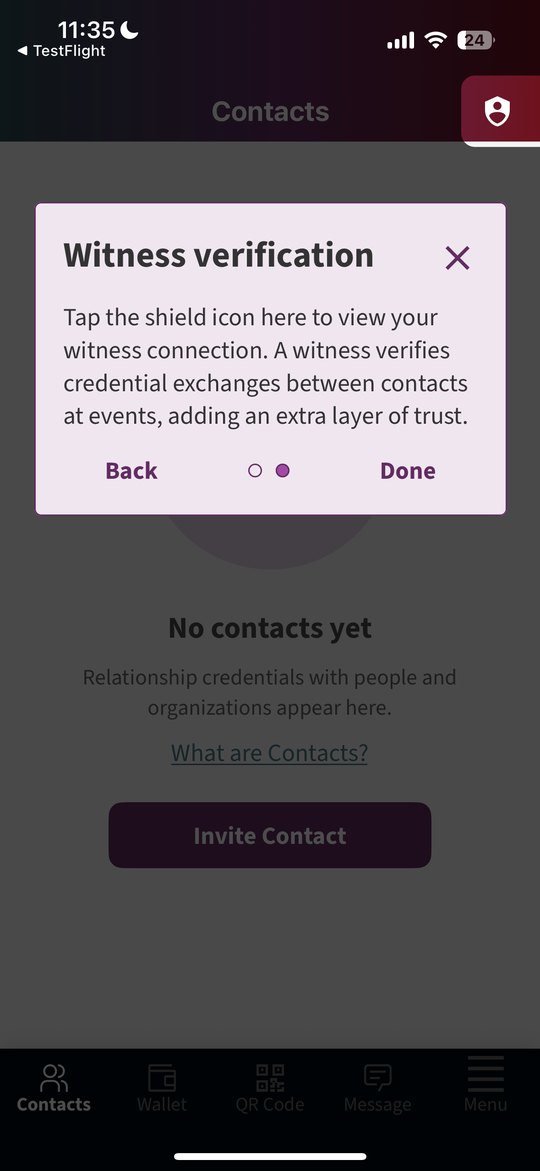
- The witnessA trusted community, like the Berkman Klein Center at an event, can attest that an exchange happened there. Anyone can verify it without contacting the Center, it holds no personal information, and the witness can’t map who connected with whom.
First run
Intuitive doesn’t mean simple
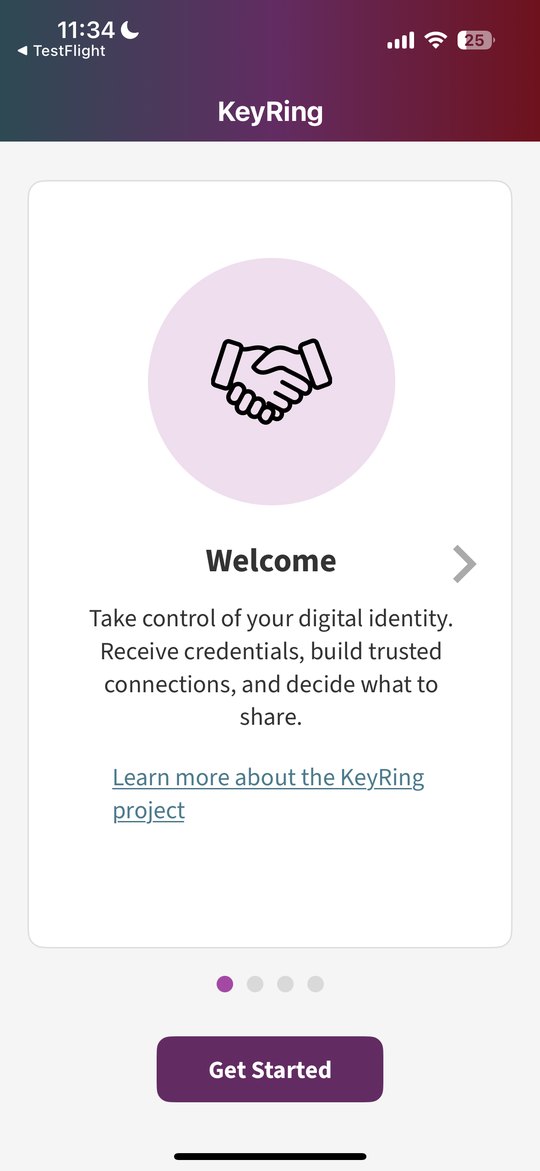
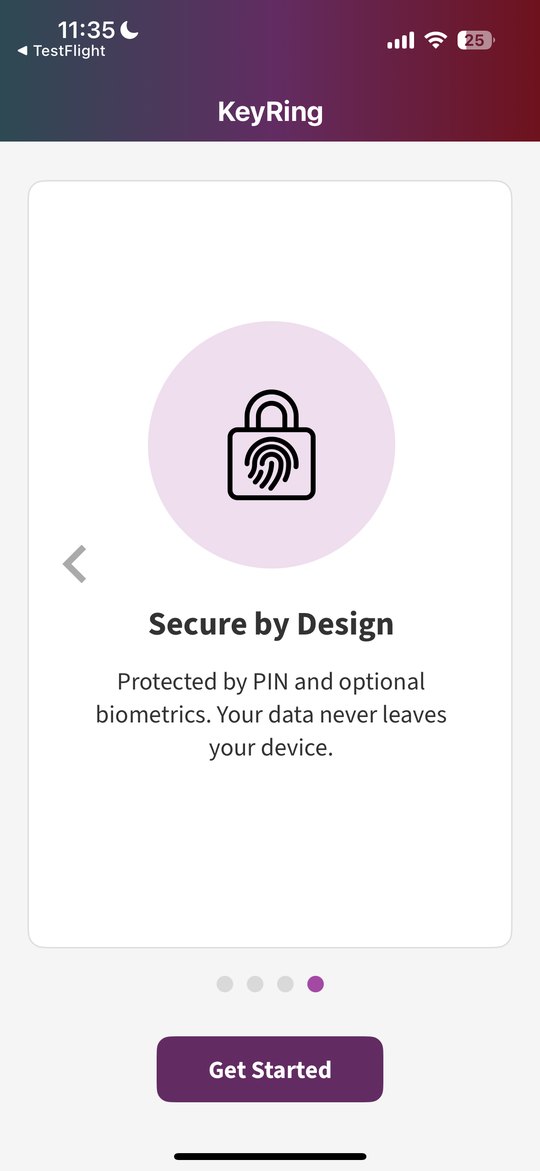
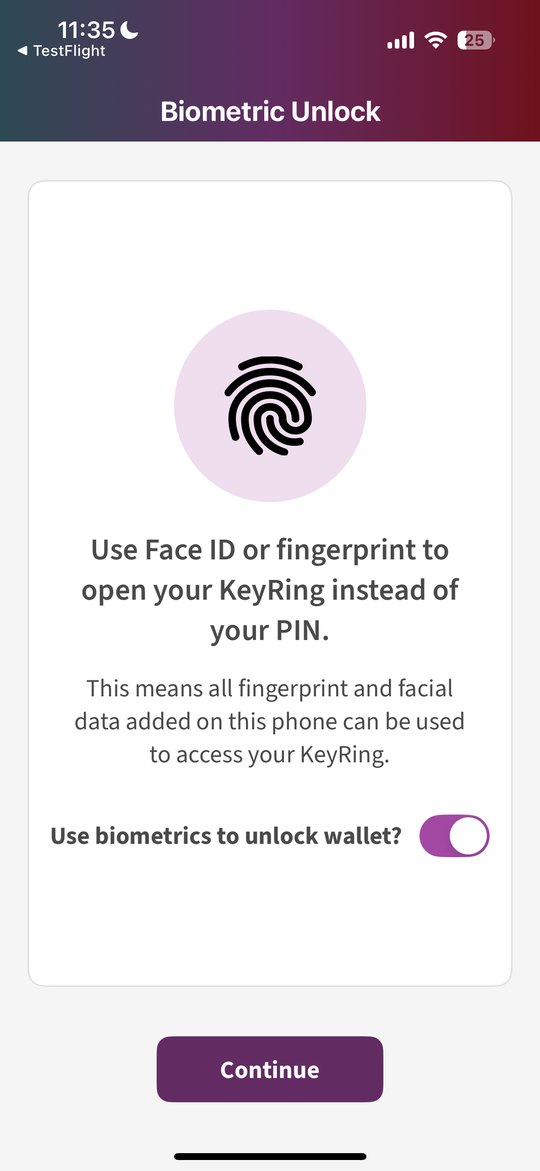
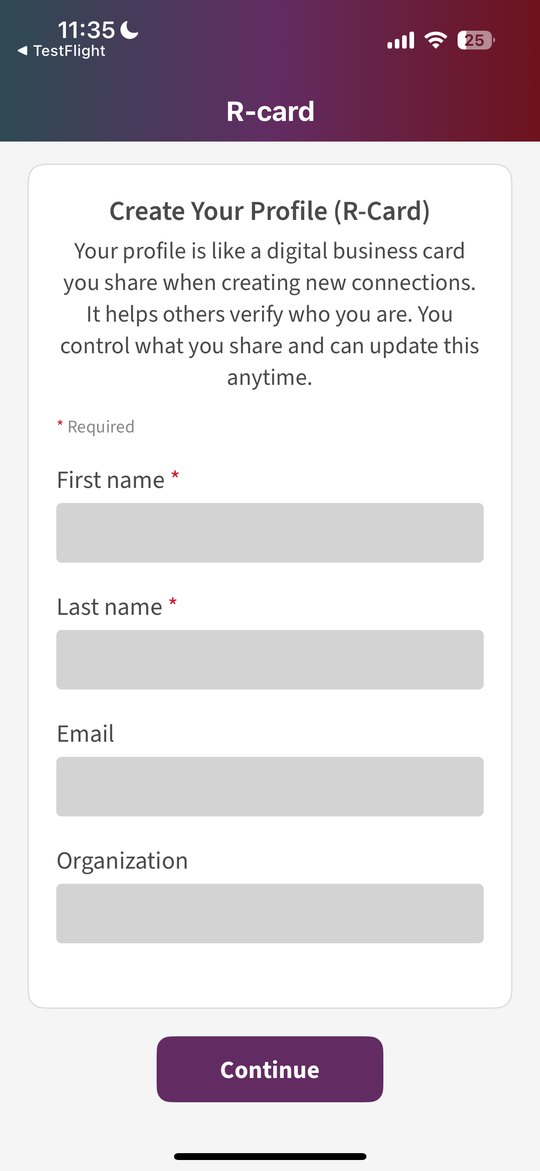
It means the complexity is ours to carry, not the user’s. The first run explains Keyring in four plain sentences, sets up a PIN and optional biometrics with honest warnings about what can’t be recovered, and creates an R-card: a digital business card you control and can update anytime.
Making a connection
As natural as meeting in person, as clear as a receipt
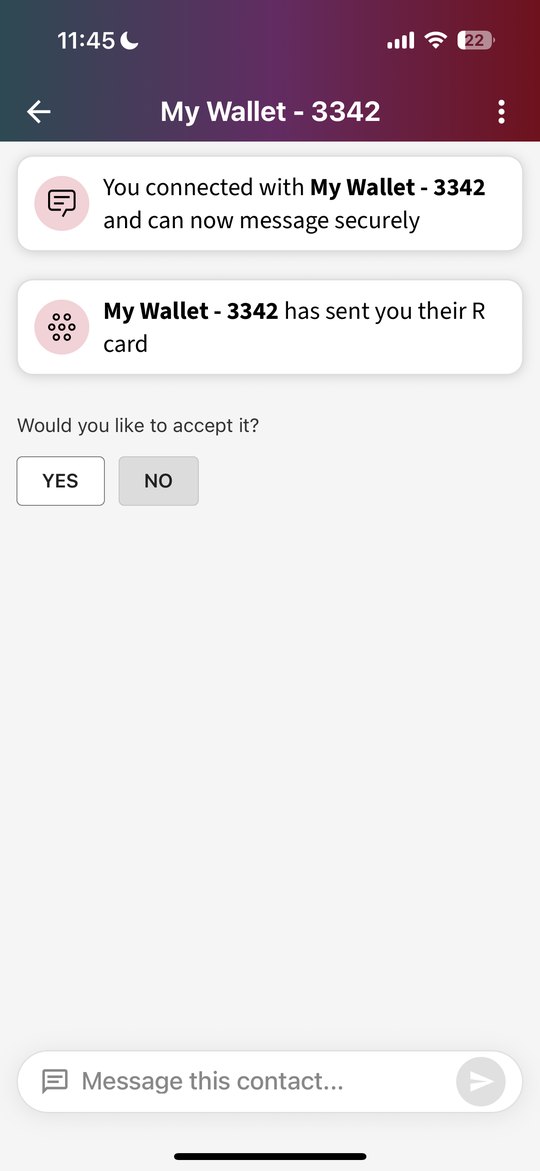
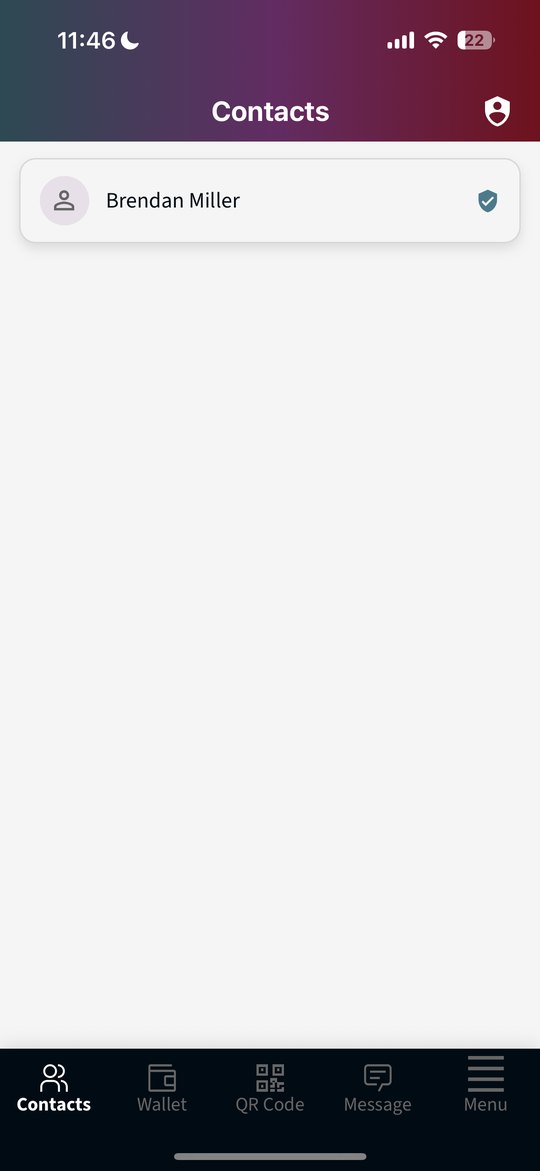
Scan or share a QR code. Before anything is exchanged, Keyring tells you exactly what you’re about to sign, promises your biometric data stays on your device, and gives you a clear choice to confirm or cancel. No buried consent, no fine print: just a person and a decision. Then your new contact arrives with a verified badge.
Transparency and control
Psychological safety by evidence
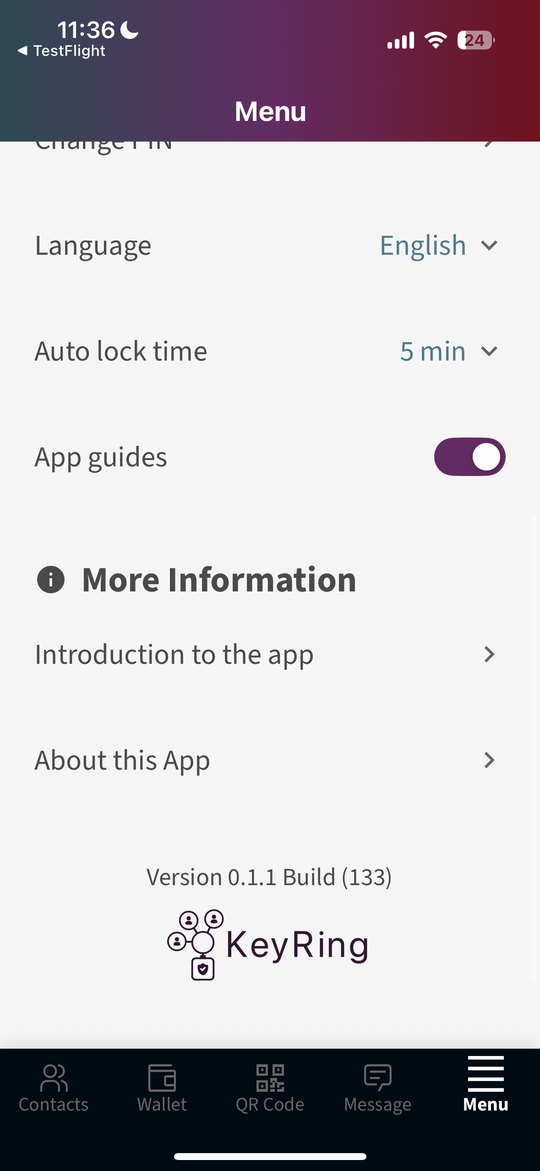
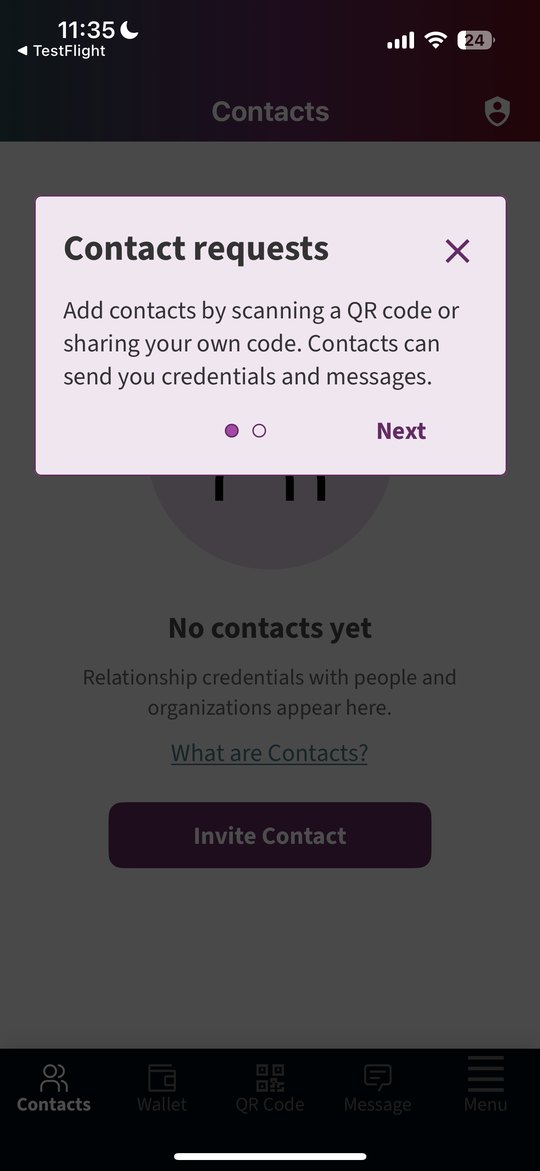
You can’t just tell someone “this is safe” when you’re asking for something as personal as their identity. So every interaction shows its work. Short guides explain new ideas like witnessing right where they appear, and every security setting is visible, named, and yours to switch on or off.
Threat modeling
A design that only serves the median user is a privilege filter
I mapped threats across the full identity stack: five assurance tiers, from simple personhood up to regulated high-assurance identity, across nine credential lifecycle stages, from enrollment and issuance through recovery, revocation, and federation.
Four harms at the margins were first-class threats, not edge cases: people without root documents, people under coercion, people at risk from surveillance and correlation, and people who need to recover access without a trusted custodian.
- Post-quantum obsolescenceLong-lived credentials face a hard tradeoff between unlinkability today and resistance to future quantum attacks, and the design has to plan for both.
- Sybil and duplicate enrollmentWeighing social vouching, zero-knowledge nullifiers, central biometric deduplication, and document proofing against two risks at once: surveillance, and excluding people at the margins.
- Biometric deduplicationWhat privacy-preserving deduplication actually solves, and what it leaves untouched: capture-moment exposure, coercion at enrollment, governance, and the fact that you can’t change your iris.
Where AI fits
AI at the edges of the trust boundary, never inside it
I organized every trust signal by three questions: how strongly it binds to a person, whether someone else can attest to it, and how permanent or exposing it is. Permanence governs everything, because an identity record that can be correlated forever is a surveillance risk, no matter how good the cryptography is.
That led to a clear rule. Decisions about assurance belong to a deterministic rules engine, not an AI model, and the copy people rely on to make trust decisions is written by humans. AI can help at the edges, like explaining a concept in plainer words, but never inside the boundary where trust is decided. That restraint is a credibility asset.
- Next: trusted agentsAs AI agents start acting for people, delegation and impersonation become one design problem on a spectrum of delegated authority. Keyring’s next chapter is designing an agent as a sanctioned proxy.
Not just a prototype
Infrastructure others can build on
Our team contributed the first draft of the Decentralized Trust Graph credential specifications to the Linux Foundation’s working group: seven credential types, from relationships and witnesses to R-cards, endorsements, and memberships, all compatible with privacy-preserving zero-knowledge proofs. Keyring builds on open standards (W3C Verifiable Credentials, DIDs, DIDComm, and the OpenWallet Foundation’s Bifold wallet) and contributes everything back.
- Proof of accountProve you control an account elsewhere without handing it over.
- Age assurance with zero-knowledge proofsProve you’re old enough without revealing your birthday, or giving your ID to a corporation.
- Verified relationships on BlueskyReal connections carried into a real social platform.
- What’s being exploredProof of personhood, privacy-preserving matchmaking, and content provenance: was this made by someone you’ve actually met?
In the press
Coverage of Keyring
Keyring launched at the Digital Identity Symposium in April 2026 and was picked up widely in the weeks after.
- Worried about how online firms use data they get from you?Sy Boles, Harvard Gazette, May 1, 2026. Includes my comments on designing it so a real person can pick it up and use it in seconds.
- Applied Social Media Lab Debuts KeyringBerkman Klein Center, May 1, 2026.
- Harvard launched an open-source wallet that stores biometric data on your phone instead of serversManisha Priyadarshini, Digital Trends, May 4, 2026.
- Harvard, Linux Foundation launch open-source wallet for selective data sharingMasha Borak, Biometric Update, May 5, 2026.
- This app from Harvard could reshape how identity works beyond Google WalletShimul Sood, Android Authority, May 5, 2026.
- Open Source Wallets Could Change How We Verify People OnlineZee, TechRound, May 5, 2026.
- Harvard Researchers Launch Keyring To Rethink Digital Identity And Online PrivacyAmit Chowdhry, Pulse 2.0, May 8, 2026.
- Trust That Scales With the StakesBrendan Miller and Alberto Leon, Berkman Klein Center, June 10, 2026. A technical look inside Keyring by the engineers.
The symposium
Witness v4.5, and making the day work
For the Keyring Digital Identity Symposium I designed Witness v4.5, a Pepper’s Ghost holographic installation that made a witnessed exchange something guests could see in the room. I sourced the physical materials myself, and built a screen-based fallback in case the illusion didn’t cooperate on the day.
The idea was simple: when someone connected through the witness, they could see and hear themselves join. Each connection draws a line of light across a floating icosahedron, adds to the count, and rings a soft chord. Every tenth connection sets off a bigger burst and a rising arpeggio, so the room could feel the network growing.
I tuned its palette for a black background: violet and cyan drawn from the wallet’s own colors, plus a mint chosen for clear separation from both, all balanced for how saturated colors actually read to the eye, not just how a formula says they should.
Beyond the installation, I helped build the connections map that explained the kinds of relationships in the identity graph, got team shirts made at a local shop at the last minute so we showed up as one team, and welcomed guests, spending real time learning how they see the identity space.
Click or tap the display to add a connection. It plays sound.
The complexity is ours to carry.
What changed
Ease of use is what people comment on most, and the design work is widely credited as a major driver of the product’s success.
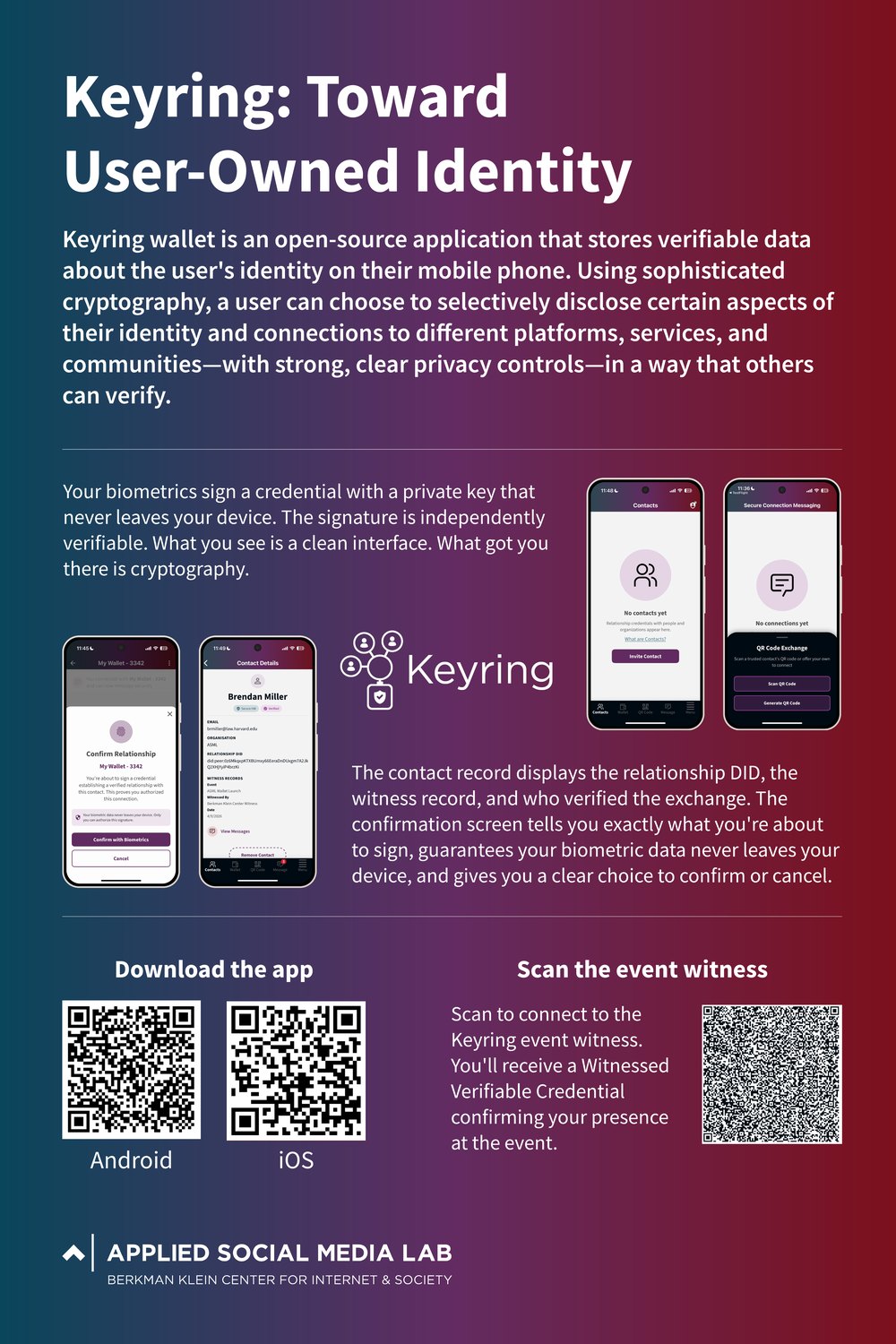
After the symposium, Keyring was open-sourced on GitHub, presented to the Decentralized Trust Graph Working Group, shown at the Internet Identity Workshop on a poster I designed, and featured in my lightning talk at Georgetown’s “Who Is Real Online?” convening. I also developed press materials for the Harvard Gazette, one of nine pieces of coverage in the weeks after launch.
Keyring is open source: keyring-wallet and keyring-bifold on the Berkman Klein Center’s GitHub.